

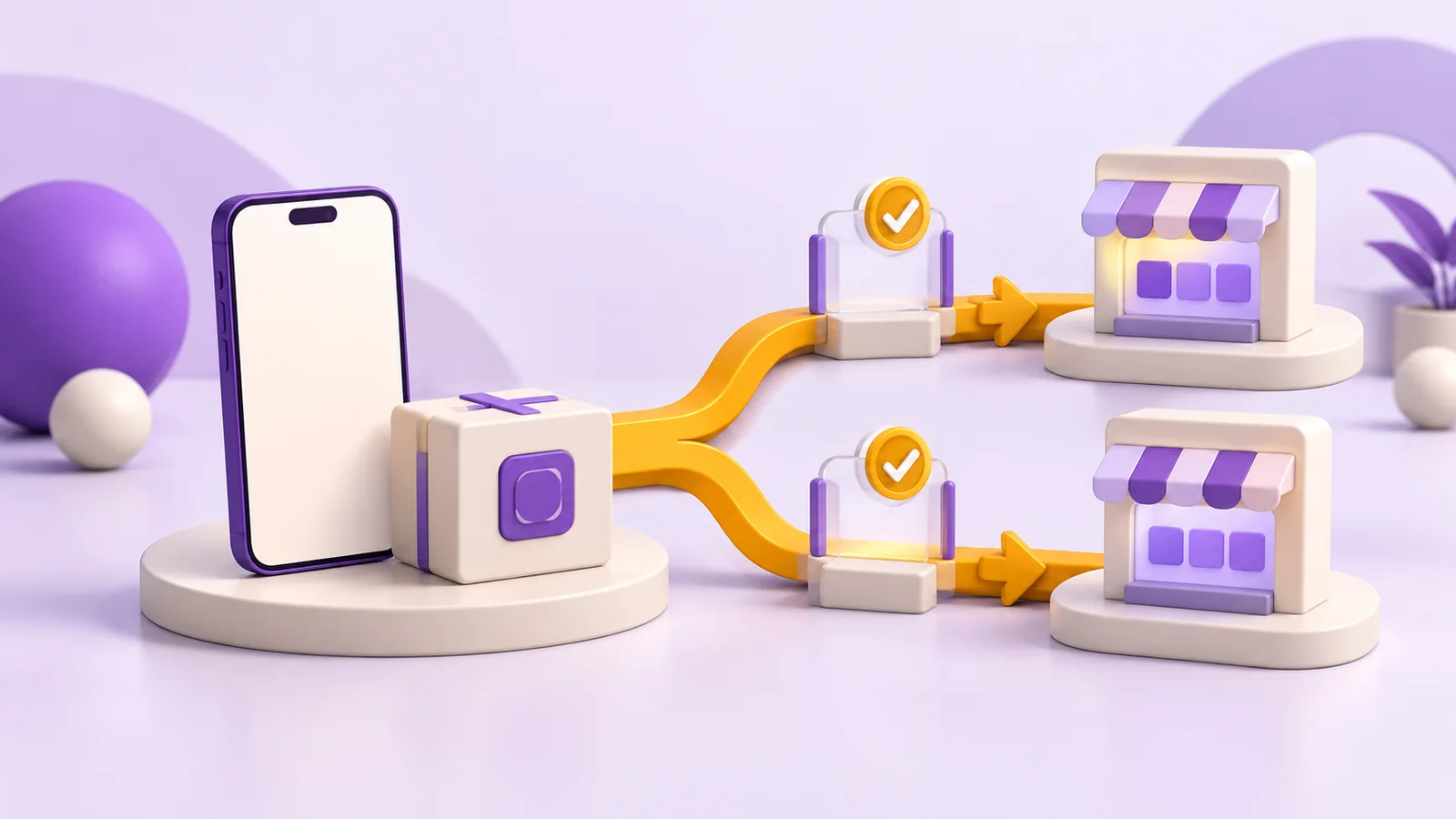
To publish an app on the App Store and Google Play, coordinate 6 workstreams: publisher accounts, product identifiers, signed releases, testing, store information and review. The 2 stores have separate processes. Finished source code does not establish that the product is ready to submit, or that its account and privacy responsibilities have been resolved.
Start during product discovery. Decide who will publish the application, which markets it will serve and who owns support and updates. Then prepare signed builds, verify the real workflow and submit accurate information to each store. Development, submission and approval belong in separate parts of your launch plan, especially when a U.S. campaign or customer contract has a fixed date.
Release planning belongs before the final development sprint
Release planning belongs early whenever store distribution is necessary for people to use your service. It matters for a first launch, a significant update and a change of development vendor.
A first-time publisher may still need account verification. An existing app may have missing release materials or an outdated build environment. A vendor transition may uncover credentials held by a former contractor. These situations have different solutions, but each can prevent delivery even when the application code appears complete.
Consider an illustrative appointment app with 8 screens. It can already include accounts, reminders, personal information and deletion requests. Those features connect interface behavior, backend operations and store declarations. Treating the final step as simply uploading a file leaves important owners and acceptance checks undefined.
Create a release inventory with one responsible person for each dependency and a clear way to verify completion. A status such as “privacy done” is weaker than a tested policy URL, an approved data inventory and the matching behavior in the submitted build.
Publisher accounts should reflect the actual product owner
The account should belong to the person or organization that should publish the application. Hiring a development company does not automatically make that company the appropriate publisher.
Before Apple enrollment, establish the account type and public identity. The companion guide to an Apple Developer individual account explains that decision. For Google Play, check the current account verification and access requirements in the official console rather than reusing a former project's assumptions.
Keep a secure inventory of account ownership, authorized users, connected services and release materials. Document how access is granted and removed. Do not make your ability to publish an update dependent on sharing the account owner's password with everyone working on the app.
For a U.S. organization, include publisher ownership in procurement and handoff discussions. The contracting entity, product brand and store account can be related without being interchangeable. Resolve any mismatch before scheduling a public launch.
iOS releases need aligned identifiers and signing
An iOS release needs a consistent app record, Apple team and signing configuration. The bundle ID identifies the application, the version identifies a release and the build number distinguishes compilations. Apple explains how an upload is matched in its App Store Connect build guide.
The technical team configures certificates, provisioning profiles and enabled capabilities in Xcode. Automatic signing can manage parts of that process, but someone still needs to validate the selected team and distribution archive. Apple's provisioning and signing documentation explains that configuration.
As a buyer, require a reproducible release rather than only an exported file. The team should record which source revision produced the build and how another authorized developer can repeat the process. That evidence also makes a later incident investigation or vendor transition more manageable.
Android releases separate the publishing package from signing roles
New Google Play applications use an Android App Bundle, or AAB, as described in the Android publishing format documentation. Google Play uses that uploaded package to produce the files delivered to devices. An old instruction to upload an APK does not describe the current path for a new Play app.
With Play App Signing, the upload key signs what the team submits, while the app signing key serves a different distribution role. The distinction is documented in Android app signing. Record who controls the relevant access and how sensitive materials are protected.
Updates also need the correct application ID and version codes. Check current SDK and policy requirements at the time of submission. A build environment that worked years ago is not evidence that a new release will be accepted today.
Store metadata must describe the submitted experience
Store information needs to match what a reviewer and customer can actually use. Plan the name, description, category, age rating, screenshots, availability, pricing and support information together with the release.
A screenshot should represent a working feature. A benefit in the description should exist in that build. If the application supports more than one language, review the actual screens and failure messages in each language rather than only translating the listing. Google's app setup guide provides a reference for preparing the listing.
Identify who approves copy and graphics. A technically complete app can remain unready for launch while marketing, operations and development wait for each other to make a final decision. Give those approvals their own owners and delivery dates.
For U.S. distribution, do not assume that a translated Brazilian listing has settled the product's availability and support needs. Confirm the service area, customer assistance and actual workflow in the markets selected for release.
Privacy disclosures and account deletion need working product behavior
Privacy declarations need to reflect data handled by the app and its integrated services. Consult Apple's App Privacy guidance and Google's Data safety guidance. Third-party SDK behavior belongs in that review.
If users create accounts, check the applicable deletion requirements. Apple describes initiation inside the app; Google describes an in-app route and a web resource for covered apps. The policy, interface and backend must describe and implement the same process.
Test a request through to the expected result. Account for required retention and existing billing obligations when explaining what happens next. Store submission does not replace legal review of the service or the jurisdictions in which the business operates.
Testing and store review require different evidence
Testing checks that the workflow works; store review requires enough information and access for the platform to evaluate that version. Neither replaces the other.
| Workstream | App Store | Google Play |
|---|---|---|
| Technical identity | Bundle ID and Apple team | Application ID and publisher account |
| Release package | Signed Xcode distribution build | AAB and upload signing configuration |
| Pre-release checks | Real devices and TestFlight | Real devices and testing tracks |
| Review preparation | Access and clear review notes | Access and complete declarations |
| Continuity | Repeatable future builds | Version codes and signing continuity |
Prepare demonstration access if sign-in is required, explain less obvious functionality and keep the backend available. Check the current Apple review guidelines before submission. Google testing obligations can depend on the account situation, so confirm them in the responsible console instead of promising a universal timeline.
Four release mistakes create avoidable delays
The most damaging mistakes are committing to a public date before resolving dependencies and losing the ability to maintain the product afterward.
- Using the wrong publisher. Confirm ownership before creating the app record.
- Approving metadata in isolation. Review screenshots, claims and the actual build together.
- Testing only a fresh install. Include updates, existing sessions, weak connections and denied permissions.
- Leaving the post-launch owner undefined. Assign monitoring, support, fixes and future release work.
The release budget includes preparation, possible corrections and follow-up, alongside applicable fees and services. A fixed price for “two stores” needs a defined starting condition. Ask for the release responsibilities in the scope so competing proposals can be compared fairly.
Megaleios includes release dependencies in product delivery
Fabiano Belmonte founded Megaleios in 2012; the company has maintained a U.S. presence in Orlando since December 2022. Our mobile app development service uses fixed scope, price and timeline after discovery, reviewable deliveries every 2 weeks and a 60-day post-launch warranty. A defined MVP may require 4–6 weeks of development; store preparation and approval remain separate. The CIAB FEBRABAN case study shows an event application delivery, while each new publisher and release still requires its own checks.
To plan your application and release responsibilities, talk to a specialist.